Custom CRM and accounting systems
Honestly, first: most businesses are better off buying an existing product. You need your own when the process does not fit someone else’s model — and you are already paying for that in manual work.
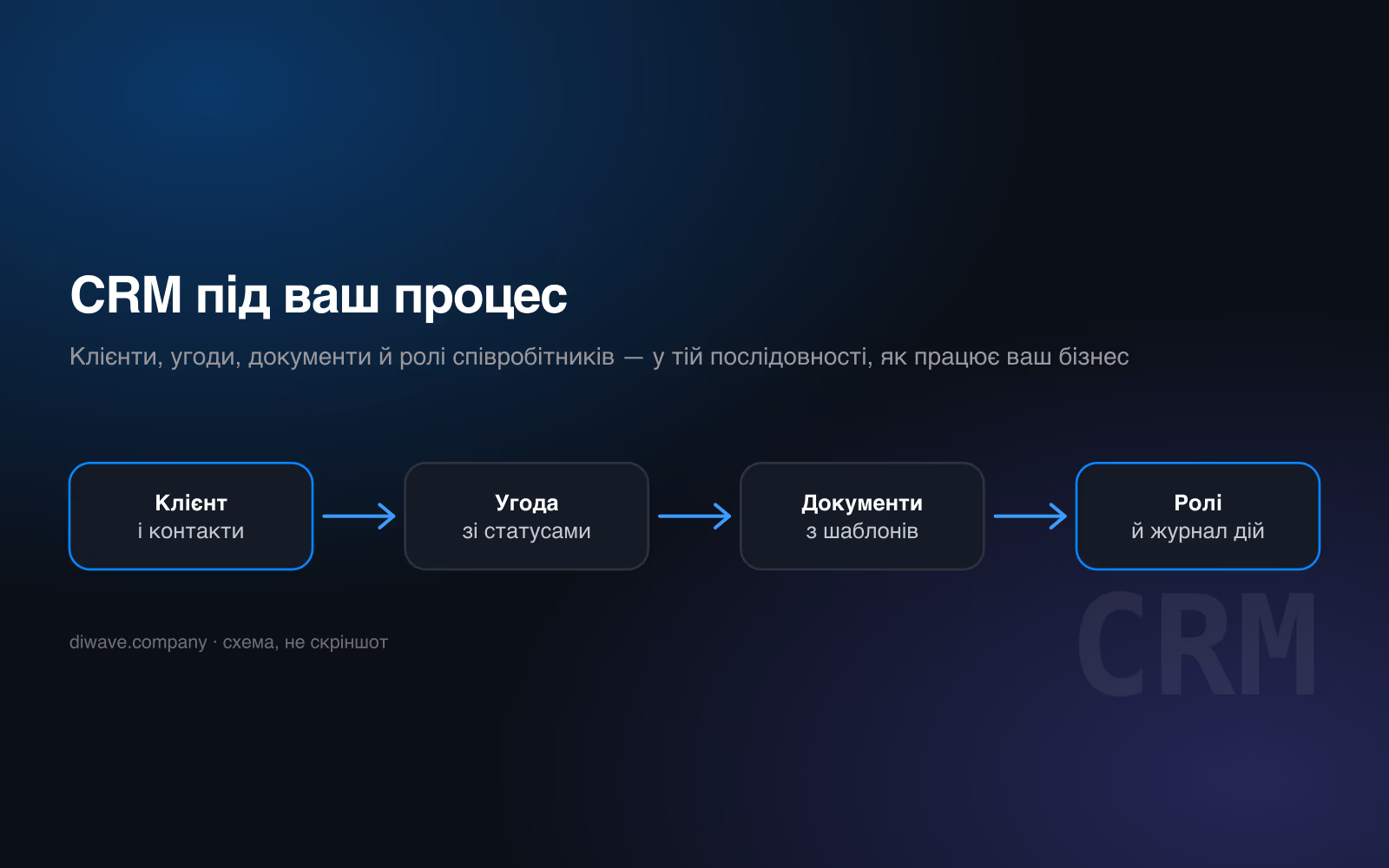
When to buy off the shelf
- — Your process is standard: deals, calls, a sales funnel.
- — You need it yesterday and there is no development budget.
- — The team is large and changes often — a known product is easier to hand over.
- — Stock integrations are enough: mail, telephony, messengers.
When to build your own
- — Your process does not fit someone else’s model, and you already pay for that in manual work: export, reconcile in a spreadsheet, type back.
- — Documents have to generate themselves and be legally correct — invoice, act, delivery note, contract.
- — Accounting is tied to equipment: stock, scales, terminals, a production line.
- — The data is sensitive and should not sit in someone else’s cloud under someone else’s jurisdiction.
- — Per-seat fees already exceed what building it would cost over a year or two.
What the system is made of
- Documents that generate themselves
- Invoices, acts, contracts, delivery notes and carrier waybills built from data, not from a template someone retypes each time. Company details live in exactly one place: change them and the database, the PDF and the payment page change together. A document that disagrees with the ledger is the most expensive kind of accounting error, and it happens precisely where the same data sits in three places.
- Accounting wired to the physical world
- Stock that knows about the scales on the shop floor. Revenue reconciled against what the terminal counted. An order that cannot be shipped twice. This is where off-the-shelf systems usually stop: they have a quantity field, but no link to the equipment that measures it.
- Roles, not «access to everything»
- A manager sees their own clients, the storekeeper sees stock, the accountant sees documents, the owner sees everything. This is not about trust but about the cost of mistakes: most losses in a small business are not theft but somebody editing the wrong row.
- Your data, and portable
- The database sits where you say and exports in full at any moment. If we part ways, you leave with the data and the documentation, not with a request to your contractor for an export.
This already runs
Defender-3, our own sales and document system, has been running for 20 months: 260 orders, 144 clients, 196 documents generated without a human, role-based access for 6 staff. Separately, an invoicing system with scheduled monthly billing against contracts. Figures reconciled against the live databases on 14.09.2026.
Frequently asked
What does a custom CRM cost?
How long does it take?
What if we are already on 1C?
Who maintains it afterwards?
Can it integrate with what we already have?
Answers on this topic
Plain explanations without marketing — useful even if you never hire us.
Custom system or an off-the-shelf box: an honest comparison
When a boxed product wins, when custom wins, and the third option: a working system adapted to your process. Lock-in, code ownership, support, migration risk.
SCADA, CRM and ERP: how they differ and what you need
Plain explanations of the difference between SCADA, CRM, ERP and WMS. What each one is for and why replacing one with another usually ends badly.
Replacing 1C: what to migrate first
The order of migration away from 1C: where to start, what can stay for years, how to avoid stopping the business mid-transition, and where data goes missing.
Automating invoices, contracts and delivery notes
Why salespeople lose hours to paperwork and what to automate first. A worked example: 196 documents generated by the system with no manual typing.